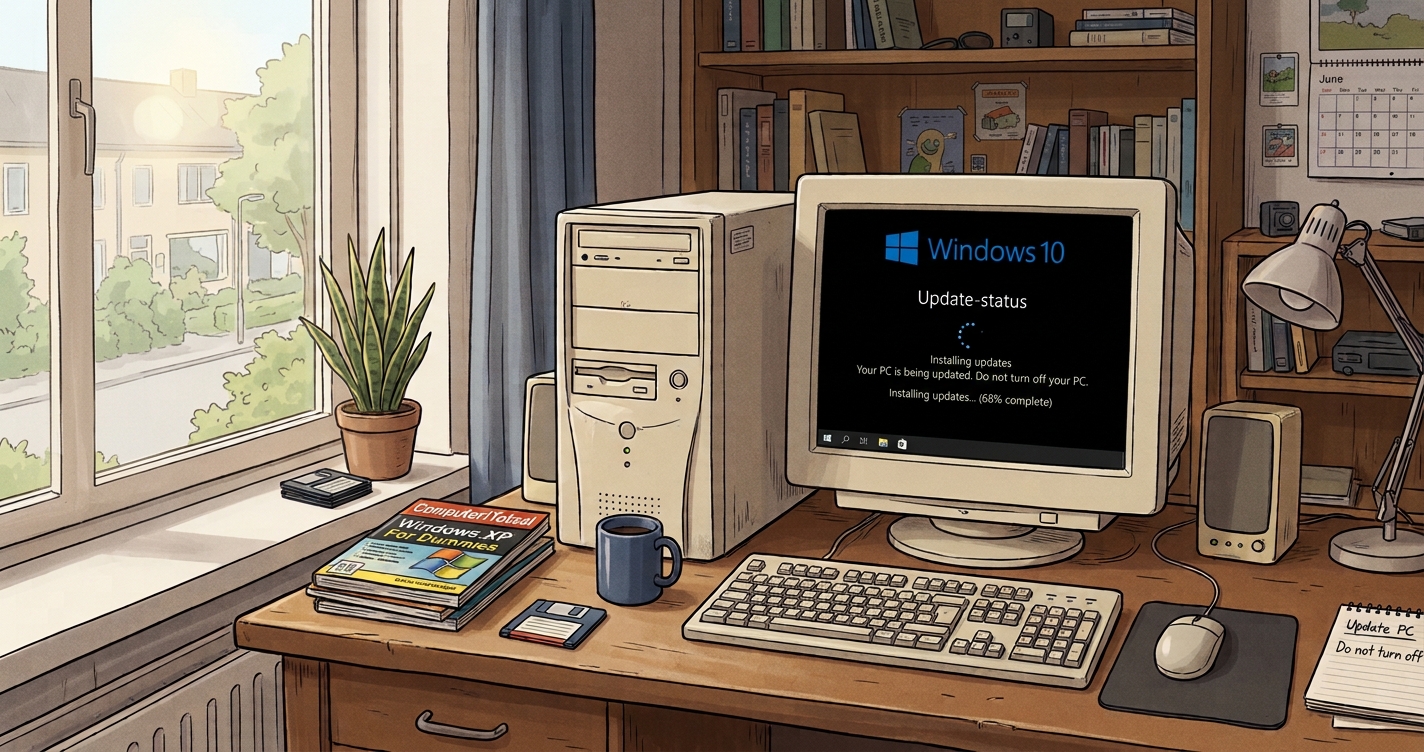
⚡ Key takeaways
- Windows 10 ESU now runs until October 12, 2027. Microsoft extended the consumer program by a year; the old end date was October 13, 2026.
- Already enrolled? You don’t need to do anything. Not enrolled? You do it in Windows Update.
- Enrollment is free if you back up your PC settings, or costs 1,000 Microsoft Rewards points or a one-time $30.
- ESU only buys time. If your PC can run Windows 11, upgrading is still the better long-term move.
Windows 10 security updates were scheduled to stop on October 13, 2026. They didn’t. Windows 10 ESU, Microsoft’s Extended Security Updates program for home users, now runs until October 12, 2027. This guide shows how to check whether your PC is covered, how to enroll if it isn’t, and when it makes more sense to move to Windows 11 now.
Is Windows 10 still getting security updates?
Only if your PC is enrolled in ESU. Regular support for Windows 10 ended on October 14, 2025. Microsoft says your PC keeps working, but without updates it is more exposed to viruses and malware.
ESU is the bridge. It delivers critical and important security updates, nothing else: no new features, no other fixes and no technical support. In June 2026, Microsoft quietly extended it from October 13, 2026 to October 12, 2027, without a formal announcement.
Step 1: Check whether your PC is enrolled
Open Settings → Update & Security → Windows Update.
- You are enrolled: you are covered until October 12, 2027. Microsoft extends existing enrollments automatically.
- You see an “Enroll now” link: you are not covered yet. Go to step 2.
- You see neither: check the conditions in step 2.
Step 2: Enroll in Windows 10 ESU
Check the conditions first. According to Microsoft’s ESU page, your PC needs:
- Windows 10 version 22H2 in Home, Pro, Pro Education or Workstations. Type
winverin the Start menu to see your version. - All current updates, including the ESU licensing preparation package (KB5126256).
- A Microsoft account with administrator rights. Child accounts can’t enroll. If you sign in with a local account, Windows asks you to switch.
Then, in Settings → Update & Security → Windows Update, select Enroll now and pick one of three options:
| Option | Cost | Good to know |
|---|---|---|
| Back up your PC settings | Free | Turns on Windows Backup for your settings, linked to your Microsoft account |
| Microsoft Rewards | 1,000 points | Only if you already collect points |
| Buy a license | $30 one time, plus tax | Covers up to 10 devices; it shows up in your Order History |
Done when: Windows Update shows your PC as enrolled.
Step 3: Decide whether to upgrade now
If your PC can run Windows 11, the upgrade is free. Go to Settings → Update & Security → Windows Update and select Check for updates: if your PC qualifies, Windows Update offers the upgrade there. If it doesn’t, install Microsoft’s free PC Health Check app, which tells you why. Compare the result with Microsoft’s Windows 11 requirements, such as TPM 2.0 and a supported processor.
If your PC fails only on those points, you can often still install Windows 11 with a clean install from a USB stick. Microsoft doesn’t guarantee updates on such PCs. Our guide to installing Windows 11 without TPM 2.0 explains how, and the one processor limit you can’t get around.
What I did with my old PC
From my own use: my desktop has an Intel Core i7-4790K, a 2014 processor that is not on Microsoft’s list, on an ASUS Z97-A board. I made a USB stick with Rufus and did a clean install of Windows 11, setting everything up again from scratch. Since then the PC has been much faster than with the old Windows 10 setup.
I also added memory. With 16 GB in two sticks, my work kept hitting the limit, so I added one more stick for 24 GB. If an older PC feels slow, a free memory slot can be a cheap fix.
Frequently asked questions
Is Windows 10 safe to use after October 2026?
With ESU, you get critical and important security updates until October 12, 2027. Without ESU, your PC has had no security updates since October 14, 2025.
What if I live in Europe?
Microsoft says the enrollment options and timing can differ in the European Economic Area. Check what Windows Update offers on your PC.
Discover more from Factnetize
Subscribe to get the latest posts sent to your email.

John Lock
Liked this? There's more where it came from.
Get our digest — articles worth your time, no spam, unsubscribe in one click.
Subscribe to Factnetize →