
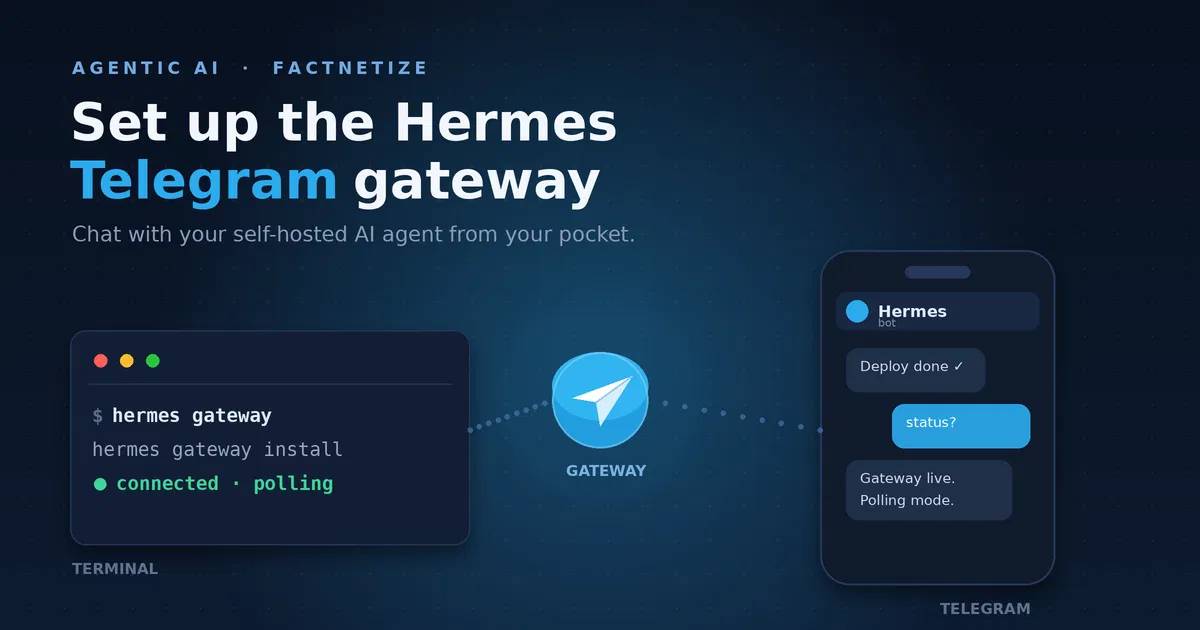
Hermes Agent connects to Telegram as a full-featured conversational bot. Once linked, you can chat with your agent from any device, send voice memos that get auto-transcribed, receive scheduled task results, and use the agent in group chats. The integration runs on python-telegram-bot and supports text, voice, images, and file attachments.
Context
Telegram is one of the most popular messaging platforms for AI assistants because it combines a generous API, broad device support, and a familiar chat interface. Hermes Agent’s Telegram gateway turns any Telegram bot into a secure, stateful agent endpoint. You get a bot token from @BotFather, point Hermes at it, and the gateway handles polling, voice transcription, file transfers, and group chat routing.
This guide walks you through creating the bot, restricting access, starting the gateway, making it run persistently, and using it for voice messages, file transfers, and group chats. It is based on the official Hermes docs and the Telegram setup reference.
Prerequisites
- A Telegram account (to message @BotFather)
- Hermes Agent installed and configured
- Python 3.11+ and pip or uv (if installing dependencies manually)
- For local speech-to-text:
faster-whisper(optional) - For outgoing voice bubbles:
ffmpegif you use Edge TTS (optional)
Create and connect your bot
Step 1: Create a bot via BotFather
Every Telegram bot needs an API token from @BotFather, Telegram’s official bot registry.
- Open Telegram and search for @BotFather, or open t.me/BotFather.
- Send
/newbot. - Choose a display name (for example, “Hermes Agent”). This can be anything.
- Choose a username that is unique and ends in
bot(for example,my_hermes_bot). - BotFather replies with your API token. It looks like this:
123456789:ABCdefGHIjklMNOpqrSTUvwxYZ
Keep your bot token secret. Anyone with this token can control your bot. If it leaks, revoke it immediately with /revoke in BotFather.
Step 2: Customize your bot (optional)
These BotFather commands improve the end-user experience. Message @BotFather and run:
/setdescription— sets the “What can this bot do?” text/setabouttext— short profile text/setuserpic— uploads an avatar/setcommands— defines the slash-command menu/setprivacy— controls group message visibility (see step 3)
A useful starting set for /setcommands:
help - Show help information
new - Start a new conversation
sethome - Set this chat as the home channel
Step 3: Privacy mode (critical for groups)
Telegram bots have privacy mode enabled by default. With privacy mode on, the bot only sees messages that start with a slash command, replies directly to the bot’s own messages, service messages (joins, leaves, pins), and messages in channels where the bot is an admin. With privacy mode off, the bot receives every message in the group.
To disable privacy mode:
- Message @BotFather
- Send
/mybots - Select your bot
- Go to Bot Settings → Group Privacy → Turn off
You must remove and re-add the bot to any group after changing the privacy setting. Telegram caches the privacy state on join, and it will not update until the bot rejoins.
An alternative is to promote the bot to group admin. Admin bots receive all messages regardless of privacy mode, which avoids toggling the global privacy setting.
Step 4: Find your user ID
Hermes uses numeric Telegram user IDs to control access. Your user ID is not your username — it is a number like 123456789. The easiest way to find it is to message @userinfobot. It instantly replies with your user ID. Save this number for the next step.
Configure Hermes
Option A: Interactive setup (recommended)
Run the full setup wizard:
hermes setup
Select Telegram when prompted. The wizard asks for your bot token and allowed user IDs, then writes the configuration for you.
Option B: Manual configuration
Add the following to ~/.hermes/.env:
TELEGRAM_BOT_TOKEN=123456789:ABCdefGHIjklMNOpqrSTUvwxYZ
TELEGRAM_ALLOWED_USERS=123456789    # comma-separated for multiple users
You can also set these as environment variables in your shell or service manager.
Start the gateway
Launch the gateway:
hermes gateway
The bot should come online within seconds. Send it a message on Telegram to verify. If it does not reply, check the gateway logs for errors.
Run this way, the gateway stays in the foreground — it lives only as long as the terminal window is open and stops the moment you press Ctrl+C or close the window. That is fine for a first test, but for an always-available agent you want it to survive reboots and closed terminals.
Make it persistent
To run the gateway as a background service that starts on its own and survives terminal closes, install it:
hermes gateway install
On Windows, this registers a Scheduled Task named Hermes_Gateway that starts automatically when you log in. On Linux it creates a user-level systemd service (add --system for a boot-time system service); on macOS, a launchd service.
Once installed, manage the service with:
hermes gateway start     # start the service
hermes gateway stop      # stop it
hermes gateway status    # check whether it is running
hermes gateway restart   # restart after a config change
When the bot ever goes quiet, check the process first — not the network, not the config:
hermes gateway status
If it reports the gateway is not running, hermes gateway start brings it back. On Windows you can also confirm the Scheduled Task directly:
schtasks /query /tn Hermes_Gateway
What you can do with it
Chat and voice memos
Once the gateway is running, you can send text messages, photos, and voice notes. Incoming voice messages are auto-transcribed using your configured STT provider — faster-whisper locally, or Groq or OpenAI Whisper if you provide an API key.
Outgoing audio generated by the agent is delivered as native Telegram voice bubbles when the TTS provider outputs Opus (OpenAI, ElevenLabs). Edge TTS outputs MP3 and needs ffmpeg installed to convert to Opus.
Send files and media
The gateway ships files using the MEDIA:/path/to/file tag. Supported extensions include images (png, jpg, webp), audio (mp3, wav, ogg), video (mp4, webm), documents (pdf, docx, xlsx, csv), and archives (zip, 7z).
Group chats
Hermes works in Telegram groups and supergroups. Group message visibility is governed by privacy mode (see above): keep it on so the bot only reacts when addressed with a slash command or a direct reply, or turn it off — or make the bot an admin — to let it see every message.
Scheduled tasks and home channel
Use /sethome in any chat to mark it as the home channel. Cron jobs deliver their results there. If you use topic mode, set TELEGRAM_CRON_THREAD_ID so cron messages land in a specific topic instead of the root lobby.
Best practices and tips
- Always set allowed users. Without
TELEGRAM_ALLOWED_USERS, the gateway denies everyone by default. Add every authorized Telegram user ID. - Disable privacy mode or make the bot admin. For group bots, either turn off privacy in BotFather and re-add the bot, or promote it to admin.
- Test with
hermes gateway status. Verify the bot is connected before expecting replies. - Keep your token offline. Never commit
.envto version control. Rotate tokens with/revokeif you suspect exposure.
Troubleshooting
- Bot not responding: verify the token, check gateway logs, and confirm the bot is online.
- Unauthorized error: your user ID is not in
TELEGRAM_ALLOWED_USERS. Double-check with @userinfobot. - Bot ignores group messages: privacy mode is likely on. Disable it in BotFather, remove the bot, and re-add it. Or promote the bot to admin.
- Voice messages not transcribed: install
faster-whisperfor local STT, or setGROQ_API_KEYorVOICE_TOOLS_OPENAI_KEY. - Voice replies are files, not bubbles: install
ffmpegso Edge TTS can convert MP3 to Opus.
Conclusion
The Hermes Telegram gateway turns a standard Telegram bot into a full-featured AI assistant. With a few minutes of setup — BotFather token, allowed user ID, and a hermes gateway command — you have a private, always-available agent in your pocket.
From there, you can add voice memos, group chats, and scheduled deliveries. The same gateway also powers Discord, Slack, WhatsApp, and other platforms if you ever expand beyond Telegram.
Next up: your agent is now reachable anywhere. The next article adds a scheduler — from a simple three-week reminder to nightly automations that deliver their results straight to this Telegram channel. This article is part of the Agentic AI series.

John Lock
The Tested Weekly
One email a week with the guides we tested, sources linked. No spam.



The step-by-step flow from creating the bot and allowing your user ID to keeping the gateway running on Windows is especially practical. Support for voice memos, files, and group chats makes Hermes feel much more useful than a basic Telegram chatbot.
The step about allowing your Telegram user ID is a useful security detail, especially before enabling group chats. It’s also helpful that the guide covers keeping the Hermes gateway running on Windows and handling voice memos and files.
[…] set your own numeric ID and restart the gateway. For Telegram, @userinfobot tells you your ID; our Telegram gateway guide has the full setup. Other apps work the same with DISCORD_, WHATSAPP_ or […]