WordPress + AI series
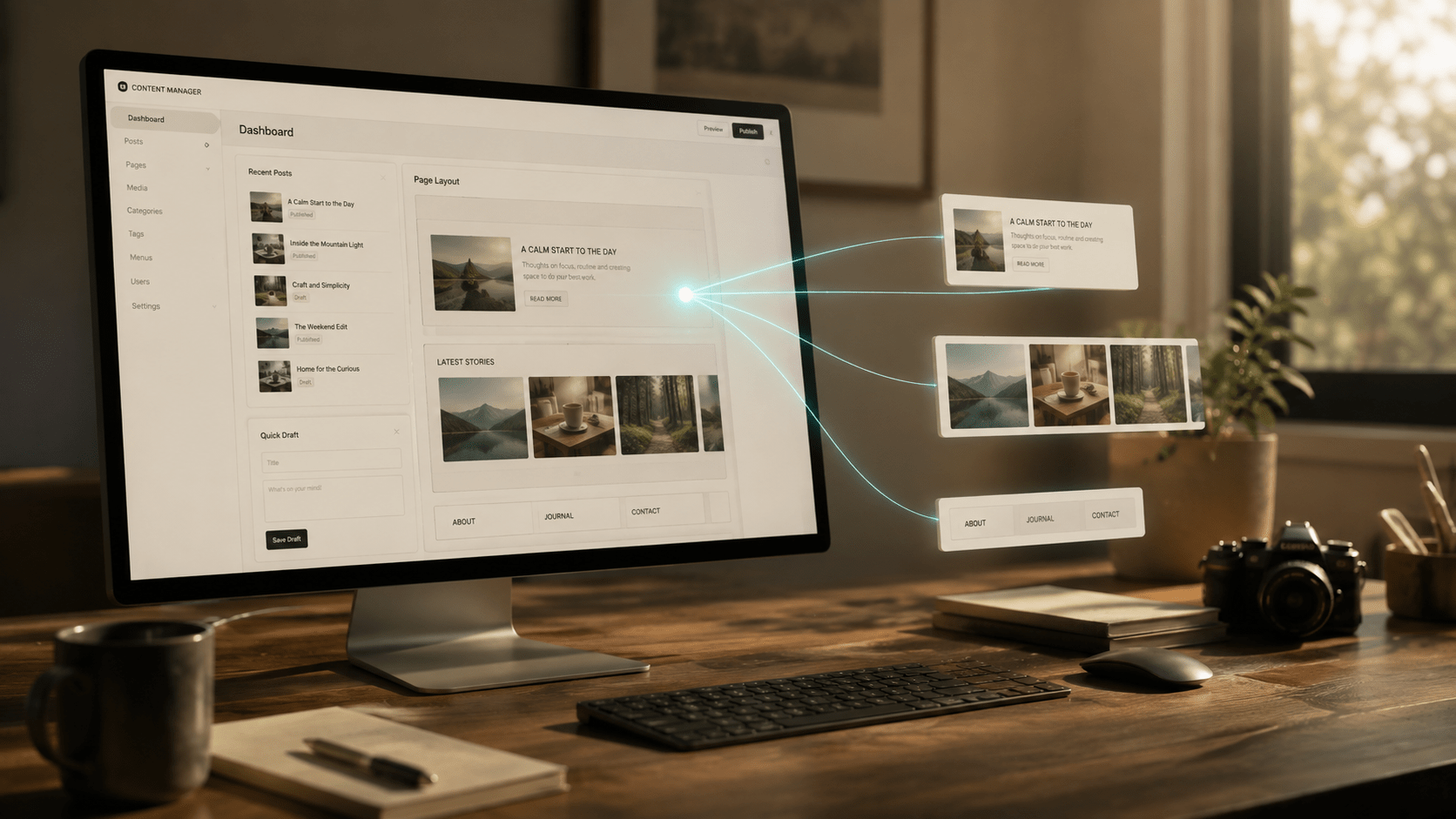
This series shows how to use an AI assistant as an editor for your WordPress site through the Model Context Protocol (MCP). Once set up, you can ask it to draft posts, set categories and tags, upload featured images, and fill in your Yoast SEO fields — all from a chat prompt.
No cloud subscriptions beyond your AI client itself, no custom development. Just WordPress, a free plugin, and any MCP-capable assistant.
Series overview
- Part 1 — How to connect your WordPress site to Claude with MCP using the Vibe AI plugin
Install the Vibe AI plugin, add it as a custom connector in Claude, authorize via email magic link, and publish your first AI-assisted post — all without touching the WordPress admin manually. - Part 2 — How to make Yoast SEO fields writable via MCP
By default, Yoast blocks REST API write access to its meta fields. This guide unlocks focus keyphrase, meta description, Open Graph, and Twitter card fields using a small mu-plugin — so your AI assistant can fill in your full SEO setup automatically. - Part 3 — Extending the Yoast-MCP bridge to support pages (and the primary_category trap)
The bridge from Part 2 worked for posts but crashed with a 500 on pages. This part diagnoses the primary_category trap and adds two fixes so your AI assistant can manage SEO for pages too.
Connector update — This series originally used the Vibe AI plugin (Part 1). I’ve since switched to easy-mcp-ai for daily use: free, faster, and no rate limits. Here’s why →
What you can do when the series is complete
- Write and publish full articles from a chat prompt
- Automatically set categories, tags, and featured images
- Fill in all Yoast SEO fields including OG and Twitter cards
- Manage drafts, update existing posts, and audit your content library
New parts are added as they’re published. Bookmark this page to follow along.
Related series
- Building your own agentic AI assistant — want the agent that’s doing the writing? This series builds it from scratch on Windows 11, step by step.
- Local AI on Windows — prefer to run the models locally with no API costs? Three setups covered: LM Studio + AnythingLLM, Hermes via Hyper-V, and Hermes in Docker.